QR Codes for Events

Everything an attendee needs, without an app to install

Streamline check-in, networking, and attendee engagement with smart QR codes.

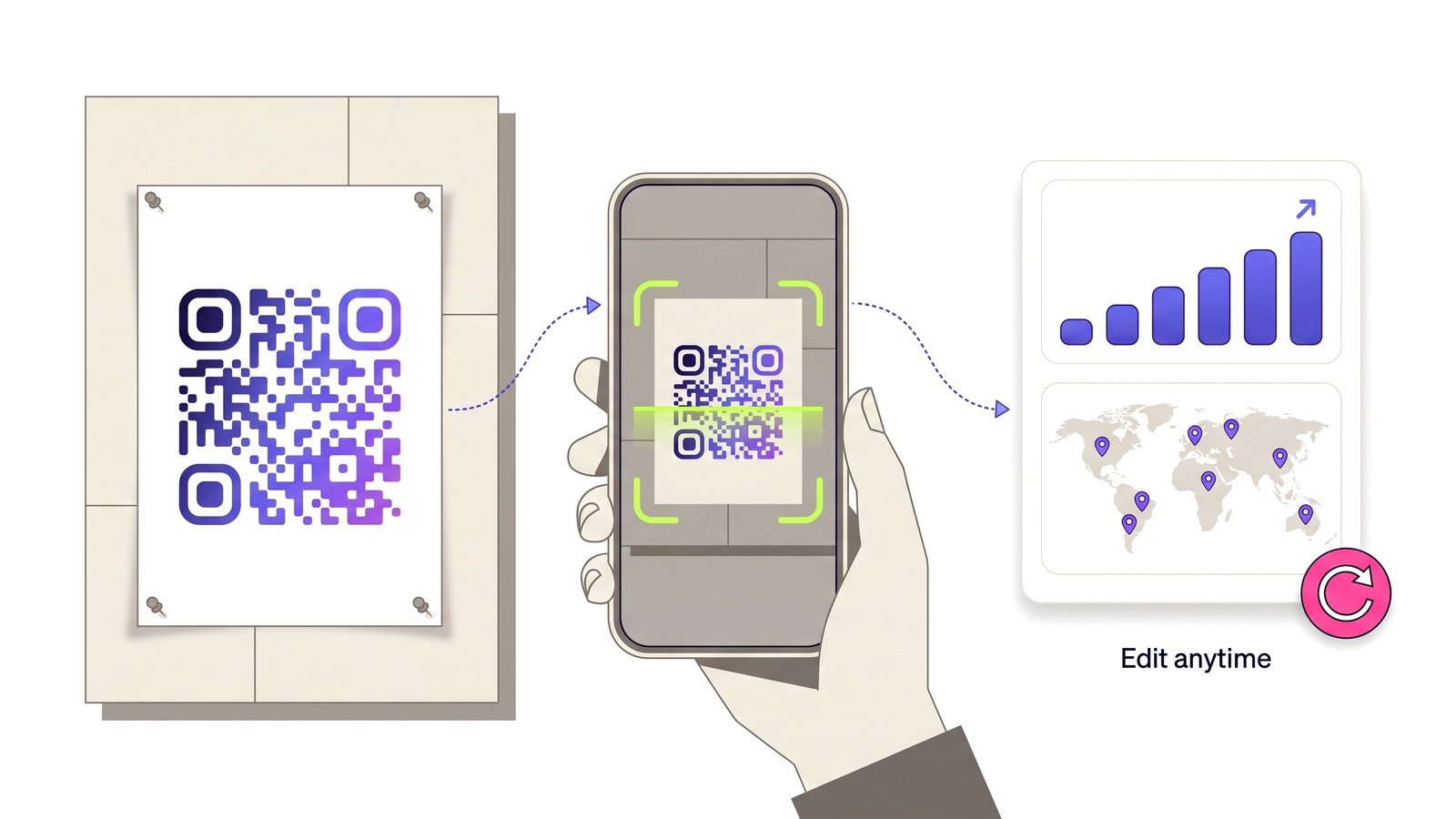
Start for Free — No Credit Card Required A printed poster QR code being scanned by a phone, feeding a dashboard of scan analytics.
6 ways to deploy QR codes

Each use case is solved by a different QR type — all available free on D-QR.

Digital Event Tickets

Issue QR code tickets that link to a check-in page, schedule, or livestream URL. Update the destination without reissuing tickets.

URL QR

Session Schedule

Link a QR code on lanyards or signage to your live agenda page. Push schedule changes instantly — everyone sees the update.

URL QR

Venue Wi-Fi Access

Display a QR code at registration and around the venue. Attendees join the event Wi-Fi without asking staff for the password.

Wi-Fi QR

Speaker / Exhibitor Contact

Put a vCard QR code on speaker slides or exhibitor stands so attendees can save contact details with a single scan.

vCard QR

WhatsApp Event Updates

Share last-minute changes or announcements via WhatsApp. A QR code at the entrance opens a pre-filled message to your event chat.

WhatsApp QR

Event Link Hub

One link page for your livestream, recordings, speaker bios, sponsors, and after-party details — all behind a single QR code.

Link Page QR

Real benefits, real results

Here's what switching to dynamic QR codes will do for your operation.

Questions people ask

Straight answers to what usually decides whether this is the right tool for the job.

Can I change what a badge QR code points to during the event?
Yes. A dynamic code lets you repoint lanyard and signage codes mid-event — from the agenda on day one to the recordings and feedback form on day two — without reprinting anything.
How do I use QR codes for event check-in?
Issue each attendee a code that resolves to their check-in record or ticket page. Staff scan on arrival; because the destination is dynamic, a schedule change or venue move reaches every ticket already issued.
What size should a QR code be on a lanyard or badge?
At least 2 cm square for a code someone scans at arm’s length. For signage read from two or three metres away, scale up to roughly a tenth of the viewing distance — a 3 m read needs about 30 cm.
Can attendees save a speaker’s contact details by scanning?
Yes, with a vCard QR code on the closing slide or exhibitor stand. It saves straight into the phone contacts app without anyone typing an email address.
Do the codes keep working after the event?
They do unless you set an expiry date. Many organisers repoint event codes at the recap page and leave them live, so late scans from leftover printed material still land somewhere useful.

Start using QR codes today

Join thousands of businesses already using D-QR. Free, no credit card required.

Start for Free — No Credit Card Required