Wi-Fi QR Code
Free Wi-Fi QR Code Generator
Stop reciting your WiFi password. Generate a QR code once — guests connect with a single scan, forever.
Generate Your WiFi QR Code — Free, No Watermark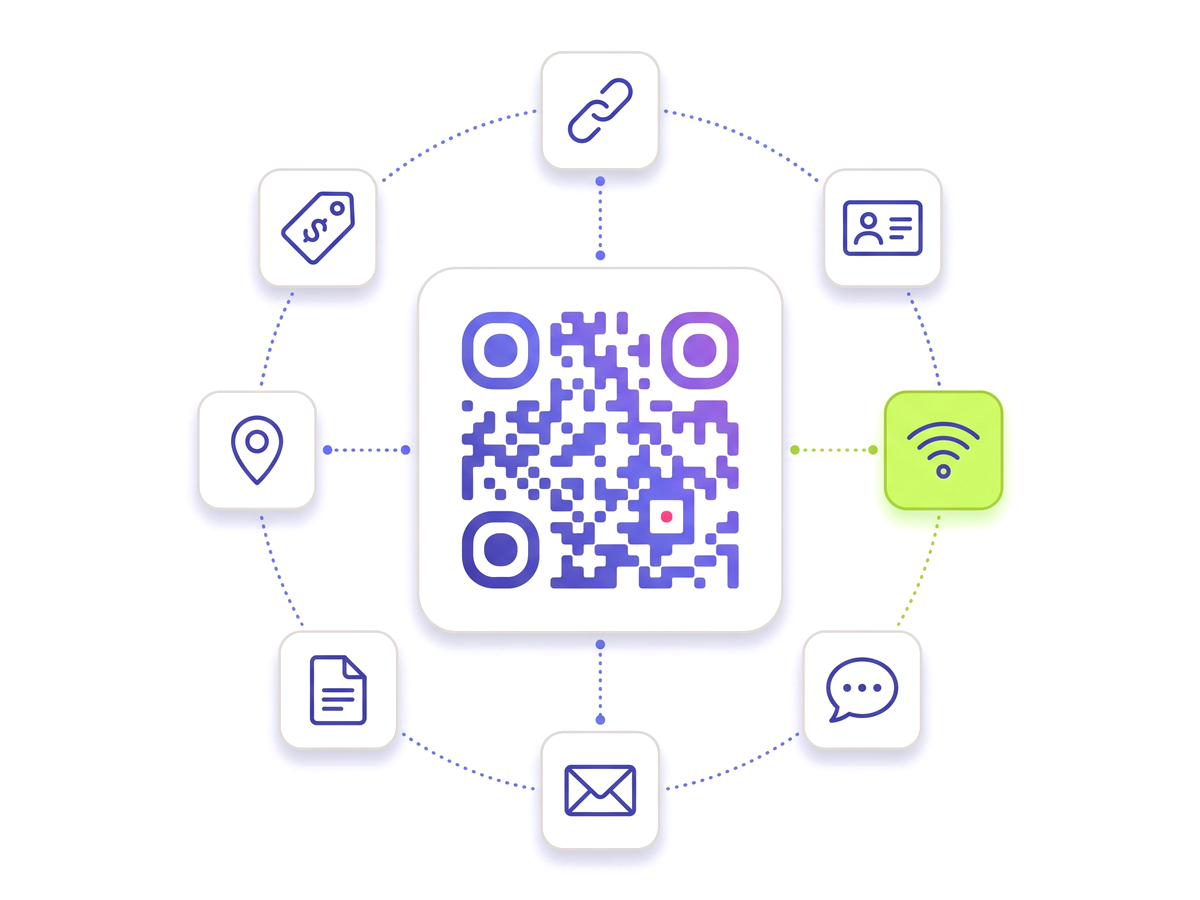
Stop reciting your WiFi password. Generate a QR code once — guests connect with a single scan, forever.
Generate Your WiFi QR Code — Free, No Watermark
Built for reliability, designed for real-world use — here's what makes our Wi-Fi QR Code stand out.
Works directly in the iPhone and Android camera app. Guests don't need to download anything.
Compatible with all common Wi-Fi security types as well as open networks.
Changed your Wi-Fi password? Update it in the dashboard — the QR code you already printed still works.
Export a clean SVG or PNG. No upgrade needed, no logo overlaid.
See how often guests scan your Wi-Fi QR and from which devices.
Create separate QR codes for staff, guest, and IoT networks — no cap, no charge.
Shape every part of the code: 18 pixel shapes, separate styles and colours for the three corner eyes, gradients, a transparent background and your logo in the centre. Pro and Teams.
From solo creators to marketing teams — here's where the Wi-Fi QR Code makes the biggest impact.
No technical knowledge required. Here's exactly how to create your first Wi-Fi QR Code.
Sign up free — no credit card required.
Click "New QR Code" and choose the Wi-Fi type.
Enter your SSID (network name), password, and security type.
Download the watermark-free SVG and print or display it.
Need to change the password? Update it in the dashboard — same QR code.
Straight answers to what usually decides whether this is the right tool for the job.