QR Code Ticket & Voucher Validation

A ticket that can only be used once

Issue a pass, print or send it, and check it at the door on any phone. A screenshot, a forward and a photo of somebody else’s ticket all redeem exactly as many times as the original: once.

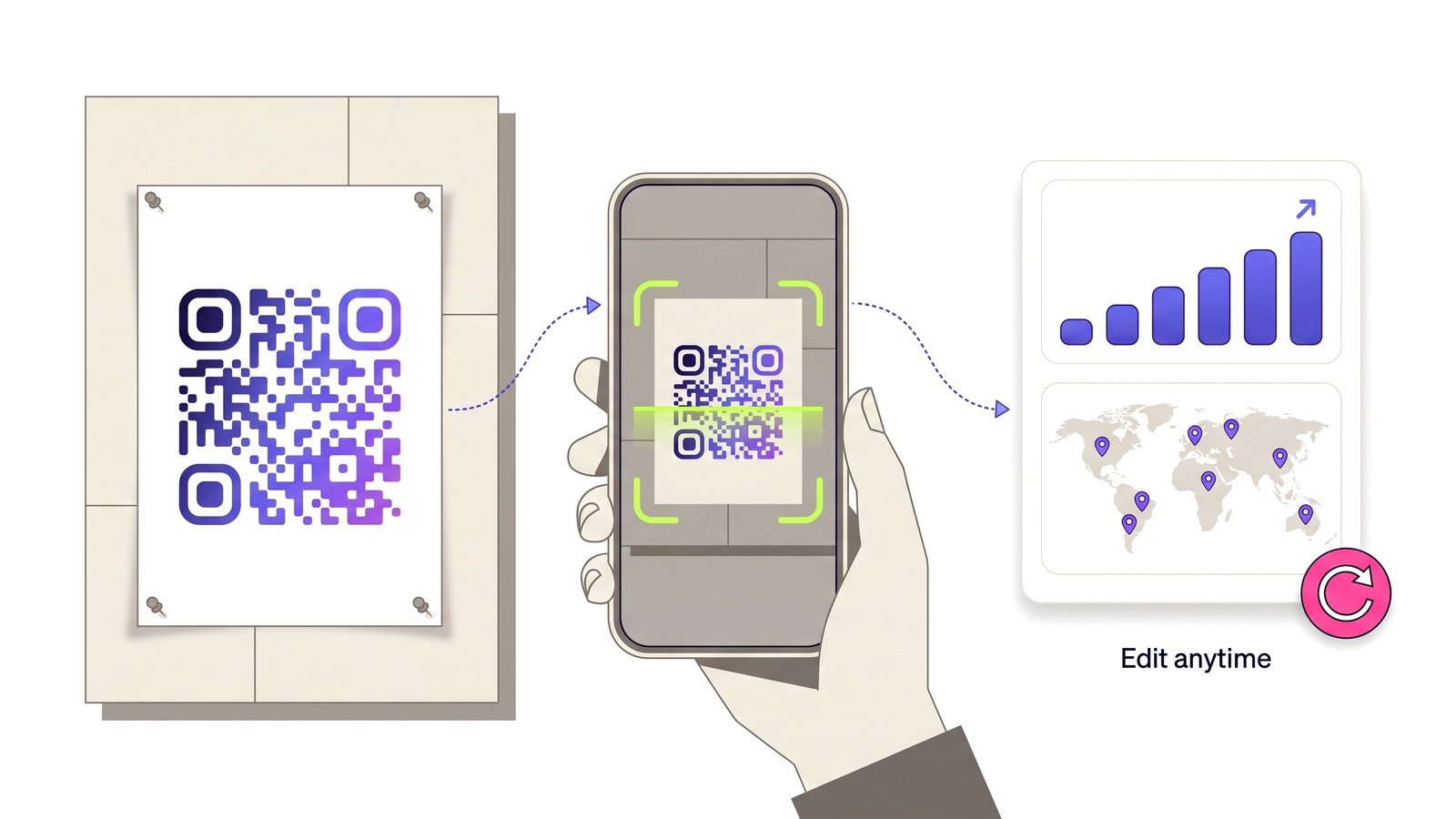
Issue your first pass A printed poster QR code being scanned by a phone, feeding a dashboard of scan analytics.

Why a plain QR code is not a ticket

An ordinary QR code opens a page. It has no memory of who has used it, so a ticket built from one can be screenshotted, forwarded and used by ten people. The code itself carries no authority.

A pass is different: it is one admission, issued against a code, and the authority lives on the server. The holder’s QR encodes an address that identifies the pass; whether that pass may be used is decided when it is presented, not when it was printed. So a forwarded screenshot is not a second ticket — it is a second attempt to spend the same one.

Two doors, one second apart

The hard case in ticketing is not fraud, it is timing. Two staff scan copies of the same ticket at two entrances within the same second. If each one reads "unused" before either writes "used", both let someone in.

Redemption closes that window: the check and the increment happen together, against a locked record, so one of the two scans wins and the other is told the pass has already been used. That is the whole reason the feature exists, and it is why looking at a pass and spending a pass are separate operations — a holder opening their own ticket to show a doorman must never use it up.

Refusals are the record that matters

Every attempt is recorded, refusals included. "The door said it was already used" is a dispute somebody has to settle later, and it is impossible to settle if only successes were kept. The log shows what was presented, when, and what the answer was.

Staff can only validate passes belonging to their own account, and a pass from another account is reported as not recognised rather than as forbidden — confirming that somebody else’s ticket exists is itself a leak.

How validation works

What the feature actually does, part by part.

Tickets, vouchers, multi-visit

One admission, a single-use voucher, or a card worth a set number of visits that counts down.

Redeems exactly once

Two doors scanning the same ticket in the same second get one yes and one no, never two yeses.

Looking is not spending

The holder can open their own pass to show it without using it up. Only a staff validation redeems.

Every attempt logged

Refusals are recorded as well as admissions, because that is the half a dispute turns on.

Any phone at the door

A web validator screen for staff, and the same decision served to the mobile app through the API.

Printed pass sheets

Print passes on label sheets with the token readable under the code, for when a camera will not focus in the rain.
Built for

Anywhere something must be redeemable once and only once.

Events and festivals Cinemas and venues Workshops and classes Restaurant vouchers Loyalty and multi-visit cards Gated access

Running a door

No technical knowledge required.

1

Create a QR code for the event or offer, and issue passes against it.

2

Give each pass a name and, for multi-visit cards, the number of uses it is worth.

3

Send or print them — printed sheets carry the token in readable characters under the code.

4

At the door, open the validator on any phone and scan.

5

The screen says admitted, already used, or expired — and every attempt is written to the log.

Which plans include this

Taken from the live plan matrix, so this page and your account always agree.

Free
Not included
Normal
Not included
Pro
Included
Teams
Included

See the full plan comparison for everything each tier includes.

Questions people ask

Straight answers to what usually decides whether this is the right tool for the job.

What stops someone screenshotting a ticket and sharing it?
Nothing stops the sharing, and nothing needs to. The pass is spent on the server the first time it is validated, so the screenshot, the forward and the original are all attempts to redeem the same single admission. The second one to arrive is refused.
What if two entrances scan the same ticket at once?
One is admitted and the other is told it has already been used. The check and the increment happen together against a locked record, so there is no window in which both scans can read "unused".
Can a holder use up their own ticket by opening it?
No. The holder’s page is read-only: it shows the pass and its state without spending it. Only a staff validation redeems.
Does it work offline?
Validation needs a connection, because the decision is made on the server — that is exactly what stops a copied ticket working twice. For venues with poor signal, printed passes carry the token in readable characters so staff can check and record admissions manually.
Which plans include pass validation?
Pro and Teams.

Run the door without a spreadsheet

Free plan available forever. No credit card required. Get started in under 60 seconds.

Issue your first pass