Wi-Fi QR Code
Wi-Fi QR Codes: Share Your Network by Scanning
Put the network name and password on the guest's phone in one scan — no passwords read out, no typos.
Create your Wi-Fi QR Code — Free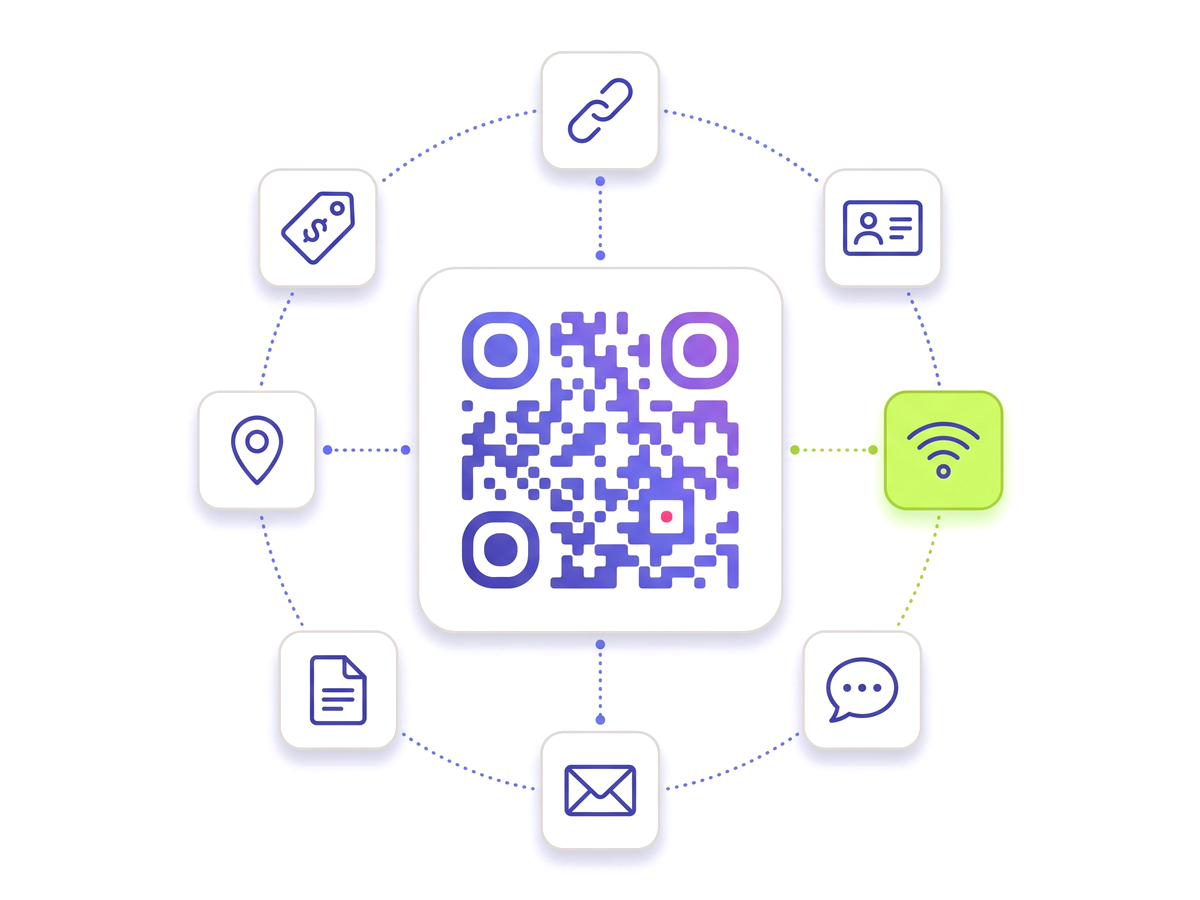
Put the network name and password on the guest's phone in one scan — no passwords read out, no typos.
Create your Wi-Fi QR Code — Free
Built for reliability, designed for real-world use — here's what makes our Wi-Fi QR Code stand out.
Supports all common Wi-Fi security protocols and open networks.
Scanned by the built-in camera app — no extra app required.
Changed your Wi-Fi password? Update the QR data in your dashboard.
The scan opens a small page with the network name and a button that copies the password, ready to paste.
See how many times the code was scanned. Scans are counted; joins happen on the phone and cannot be.
Download a crisp vector file perfect for table cards or wall signs.
Shape every part of the code: 18 pixel shapes, separate styles and colours for the three corner eyes, gradients, a transparent background and your logo in the centre. Pro and Teams.
From solo creators to marketing teams — here's where the Wi-Fi QR Code makes the biggest impact.
No technical knowledge required. Here's exactly how to create your first Wi-Fi QR Code.
Sign up for free.
Choose the Wi-Fi QR code type.
Enter your network name (SSID), password, and security type.
Download the SVG and print it with a line such as "Scan for Wi-Fi".
Guests scan, copy the password in one tap and pick the network.
Straight answers to what usually decides whether this is the right tool for the job.
In-depth articles that explain the ideas behind this page.
Start from the overview: Free Wi-Fi QR Code Generator