Create a QR Code

Create a QR Code

Paste a link, pick a colour, and download it. No account, no watermark, and nothing expires — then decide whether you want the code to be editable and tracked.

No account needed. Downloads are clean SVG — no watermark.

This one is static — the link is fixed in the pattern. Create a free account to get a dynamic code you can repoint after printing, with scan analytics.
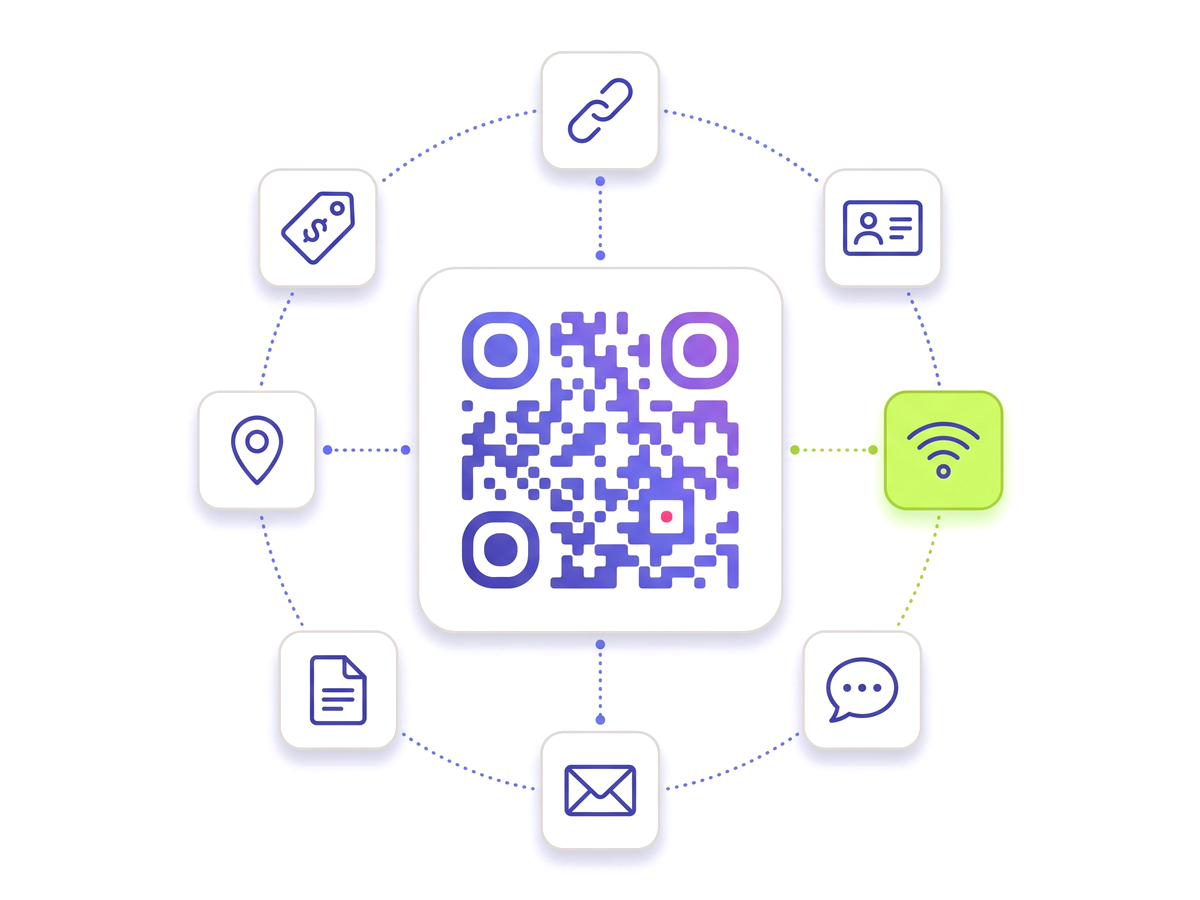
Create your QR code — free A QR code ringed by tiles for the link, contact, Wi-Fi, chat, email, document, location and tag types.

What you get here, free and without an account

The generator above makes a real, working QR code and hands you the file. There is no watermark on it, no attribution requirement, and no timer that stops it working in a fortnight — three things worth checking on any free generator before you send artwork to a printer.

What you get without signing up is a static code: the destination is written into the pattern itself. That is genuinely the right answer for plenty of jobs — a link on a slide, a code taped inside a cupboard door, anything you can reprint in ten seconds if it changes.

Where a static code starts to cost you

Because the destination is inside the pattern, a static code can never be changed. If the page moves, the campaign ends, or the URL had a typo, the only fix is a new code and a reprint of everything carrying the old one.

It also cannot tell you anything. A static code goes straight from the camera to your site, so there is no moment where the scan can be counted — you will never know whether the poster worked, or which of two placements got used.

The rule of thumb: if it is going to a printer, make it dynamic. If you can reprint it yourself in a minute, static is fine.

What an account changes

A free account turns the same code dynamic: the pattern encodes a short redirect, and the destination lives in your dashboard instead of in the ink.

  • Edit after printing. Change the destination and every copy already printed follows, within seconds. The pattern never changes.
  • See the scans. Counts, devices and approximate location, updated as they happen — because the redirect passes through somewhere countable.
  • 14+ code types. Wi-Fi, vCard, WhatsApp, PDF, menus, app downloads, coupons and more, not just links.
  • Your branding. Colours, a logo in the middle, custom module and eye shapes, and print-ready vector output.
  • Control. Password-protect a destination, set an expiry, route by country or device, or pause a code entirely.

The free plan keeps working: codes stay live, downloads stay clean, and nothing you already made is switched off if you never upgrade.

Before you print it

Three things account for most codes that fail in the wild, and all three are decided before the file leaves your hands:

  • Size it for the distance. Roughly a tenth of the scanning distance — a poster read from two metres wants a code about 20cm across. Sizes by placement.
  • Leave the quiet zone. The clear margin around the pattern is part of the specification, not spare space, and crowding it is the most common reason a perfectly valid code will not scan.
  • Test a printed copy. On paper, at final size, from a phone that is not the one you designed it on. A code that reads beautifully on a bright screen can fail on a matte menu under a warm light.

If one is already misbehaving, nine causes in order of likelihood.

Everything you need

Built for reliability, designed for real-world use — here's what makes our Create a QR Code stand out.

No watermark

The downloaded file is clean — no branding, no attribution, on any plan including the free one.

No account to try

Generate and download without signing up. An account is what makes a code editable, not what makes it work.

Nothing expires

No trial timer that quietly stops a code you already printed. Expiry is opt-in, per code.

Print-ready vector

SVG for anything printed, so it stays sharp from a business card to a billboard. PNG for screens.

Editable with an account

Make it dynamic and change where it points at any time — every printed copy follows.

Scan analytics

See how many people scanned, on what, and roughly where — the thing a static code can never tell you.

QR Studio designer

Shape every part of the code: 18 pixel shapes, separate styles and colours for the three corner eyes, gradients, a transparent background and your logo in the centre. Pro and Teams.

Perfect for

From solo creators to marketing teams — here's where the Create a QR Code makes the biggest impact.

Posters & flyers Restaurant menus Product packaging Business cards Shop windows Event signage

Up and running in minutes

No technical knowledge required. Here's exactly how to create your first Create a QR Code.

1

Paste the link you want the code to open.

2

Pick a colour that keeps a strong contrast against its background.

3

Press Generate — the code appears straight away.

4

Download the SVG for print, or the PNG for screens.

5

Create a free account if you want to edit the destination later or count the scans.

Questions people ask

Straight answers to what usually decides whether this is the right tool for the job.

Is this really free?
Yes, and without the usual catches. There is no watermark on the download, no requirement to credit anyone, and no trial that expires and takes your code with it. Paid plans exist and add the remaining code types, deeper analytics, bulk generation and API access — they do not switch off anything the free plan already gave you.
Do I need an account?
Not to make a code and download it. An account is what makes a code dynamic — editable after printing, and countable — because that needs somewhere to store the destination you might later want to change.
What is the difference between the code I get here and a dynamic one?
The code here is static: the destination is encoded in the pattern, so it works forever with nothing in between, and it can never be changed or measured. A dynamic code encodes a short redirect instead, so the destination lives in your dashboard — you can repoint it at any time and every printed copy follows, and each scan passes through a point where it can be counted.
Will the code stop working if I stop using the site?
A static code from this page has no dependency on us at all — it is just squares encoding your URL, and it works whether this site exists or not. A dynamic code resolves through our redirect, which is a real dependency and worth being deliberate about; codes stay live for as long as your account exists.
Can I put my logo on it?
With an account, yes. A QR code carries enough error correction to survive part of it being covered, which is the budget a centred logo spends. Keep it under about a fifth of the area and clear of the three corner squares, and the code still reads.
How big should I print it?
About a tenth of the distance it will be scanned from: 2cm on a business card, 3-4cm on a table card, 15-20cm on a poster read from a couple of metres. Leave a clear margin of about four modules around the pattern, and use the SVG rather than scaling up a PNG.

Ready to create your Create a QR Code?

Free plan available forever. No credit card required. Get started in under 60 seconds.

Create your QR code — free