QR Codes for Restaurants

The QR codes a restaurant actually gets used

From contactless menus to WhatsApp orders — run a smarter dining experience with QR codes.

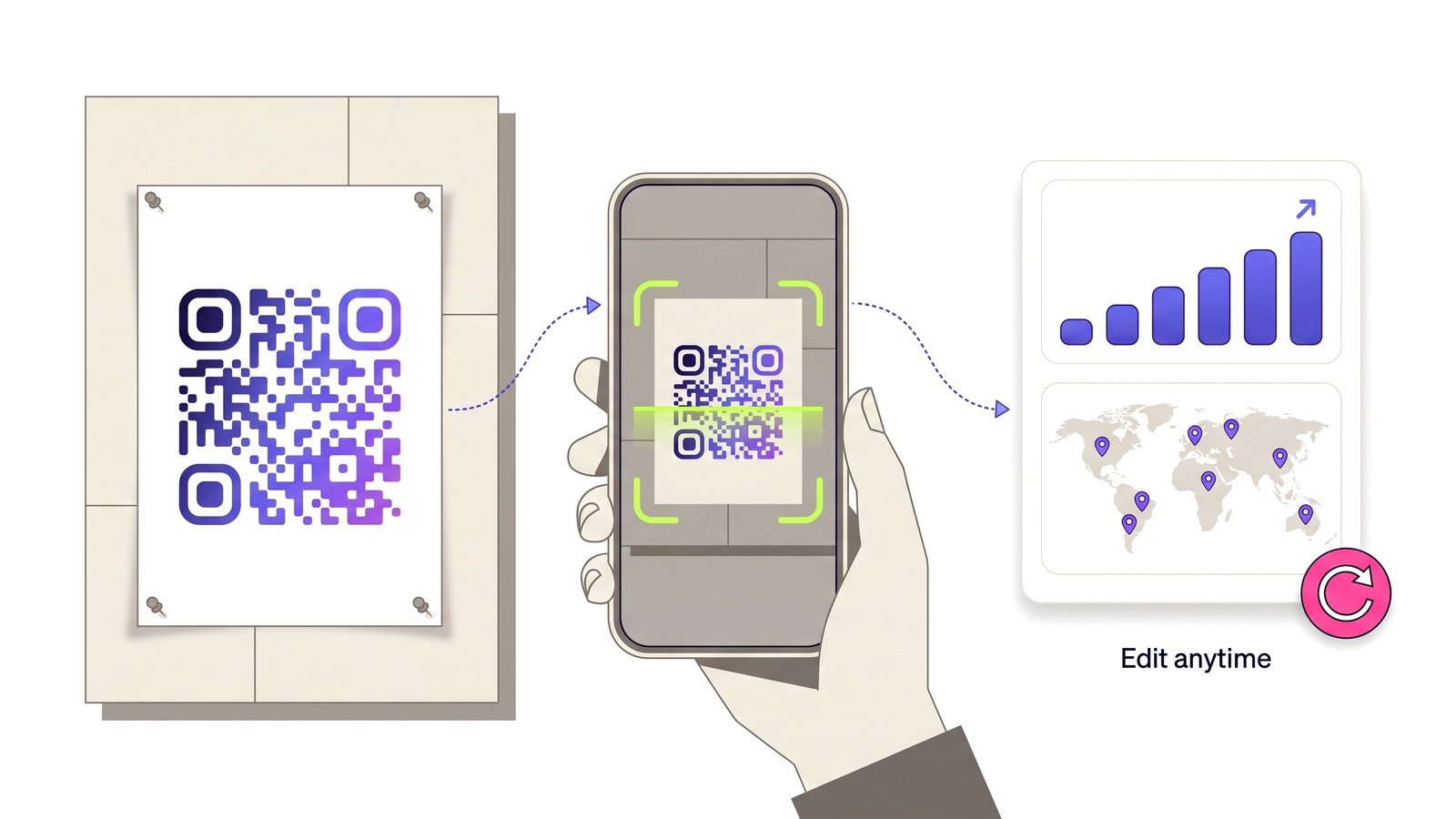
Start for Free — No Credit Card Required A printed poster QR code being scanned by a phone, feeding a dashboard of scan analytics.
6 ways to deploy QR codes

Each use case is solved by a different QR type — all available free on D-QR.

Contactless Digital Menu

Replace printed menus with a QR code linking to your online menu. Update prices and dishes instantly — no reprint costs.

URL QR

Guest Wi-Fi Access

Put a QR code on every table. Guests scan and join your Wi-Fi automatically — no password to type or share.

Wi-Fi QR

WhatsApp Orders & Reservations

Let customers tap a QR code to open a WhatsApp chat with a pre-filled order or reservation message.

WhatsApp QR

Review & Feedback QR

Link directly to your Google review page or a feedback form. Turn happy diners into 5-star reviews effortlessly.

URL QR

Social Media Follow

Place a QR code at the till or on packaging to grow your Instagram or TikTok following while customers wait.

URL QR

All-in-One Link Page

Create one link page with your menu, socials, booking link, and loyalty card — share it all with a single QR code.

Link Page QR

Real benefits, real results

Here's what switching to dynamic QR codes will do for your operation.

Questions people ask

Straight answers to what usually decides whether this is the right tool for the job.

How do I create a QR code for my restaurant menu?
Host your menu at a stable web address — a page on your site or a PDF you upload — then create a dynamic URL QR code pointing at it. Print the code on table cards, and update the destination whenever the menu changes rather than reprinting.
Can I update prices without reprinting table cards?
Yes, and this is the main reason to use a dynamic code. Edit the menu at its destination, or repoint the code at a different menu entirely for brunch and dinner service. The printed pattern never changes.
Do QR menus work without an app?
Yes. Every iPhone and Android camera released in the past several years reads QR codes natively. No guest needs to install anything.
Can I measure scans per table or per location?
Yes. Generate one code per placement — table card, window, takeaway bag, receipt — and each accumulates its own scan history, so you can see which surfaces actually earn their print run.
What should I do about guests who cannot scan?
Keep a small number of printed menus behind the counter. QR menus should reduce printing, not create an accessibility problem for guests without a smartphone or with low vision.

Start using QR codes today

Join thousands of businesses already using D-QR. Free, no credit card required.

Start for Free — No Credit Card Required