URL QR Code Generator

URL QR Code Generator

Turn any link into a scannable QR code. Update the URL anytime — no reprinting needed.

No account needed. Downloads are clean SVG — no watermark.

This one is static — the link is fixed in the pattern. Create a free account to get a dynamic code you can repoint after printing, with scan analytics.
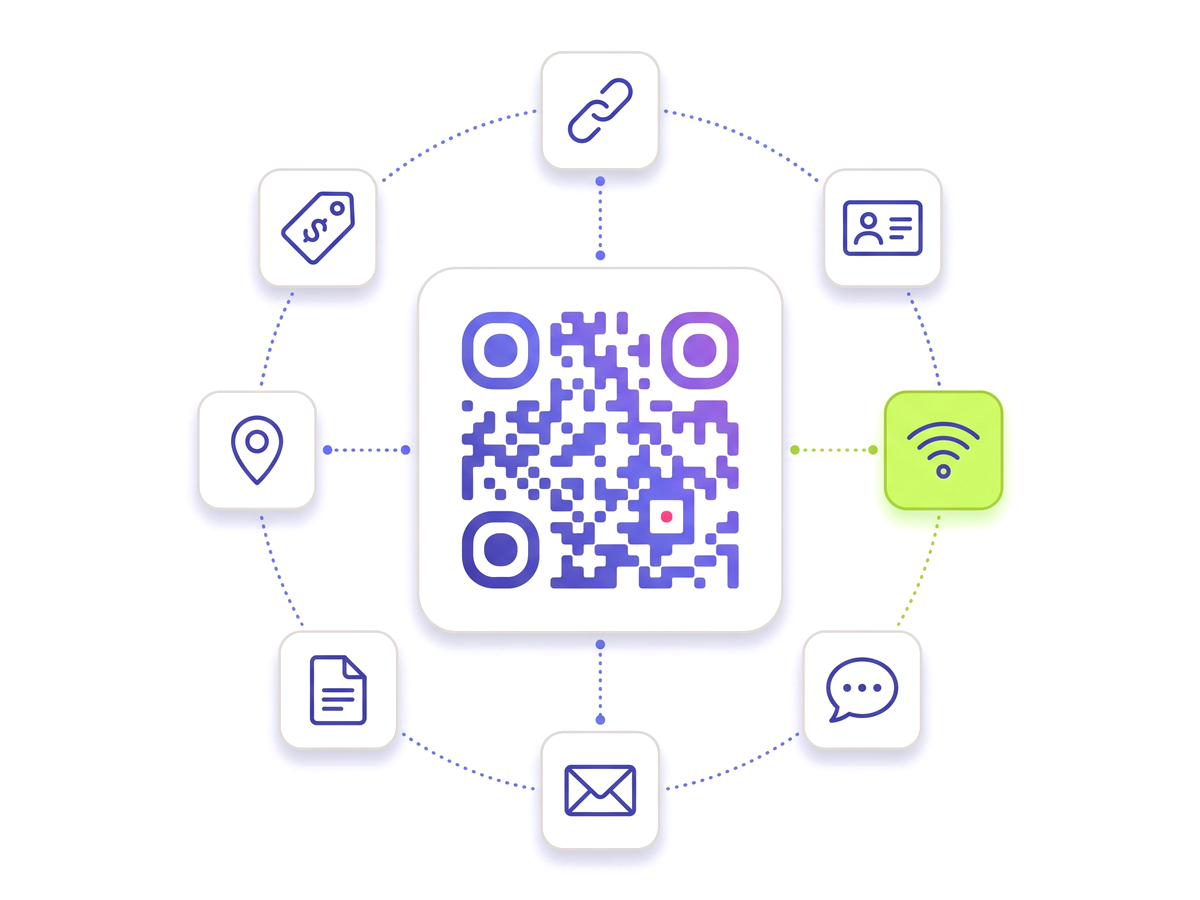
Generate your URL QR Code — Free A QR code ringed by tiles for the link, contact, Wi-Fi, chat, email, document, location and tag types.

Everything you need

Built for reliability, designed for real-world use — here's what makes our URL QR Code Generator stand out.

Editable destination

Change where the QR code points at any time from your dashboard. The printed code never changes.

Real-time scan analytics

See scan counts, devices, and geographic data updated in real time.

Custom colours & logo

Brand your QR code with your own colours and embed your logo inside.

SVG / PNG download

Export a crisp, print-ready vector file. No watermarks, ever.

Password protection

Optionally lock the destination behind a password for private links.

Expiry dates

Set an optional expiry so the QR code deactivates automatically after a campaign ends.

QR Studio designer

Shape every part of the code: 18 pixel shapes, separate styles and colours for the three corner eyes, gradients, a transparent background and your logo in the centre. Pro and Teams.

Perfect for

From solo creators to marketing teams — here's where the URL QR Code Generator makes the biggest impact.

Campaign landing pages Product packaging Business cards Menus & signage Email signatures Event tickets

Up and running in minutes

No technical knowledge required. Here's exactly how to create your first URL QR Code Generator.

1

Sign up for a free account.

2

Click "New QR Code" and select the URL type.

3

Paste your destination URL and customise colours.

4

Download the SVG and use it anywhere.

5

Update the URL anytime from your dashboard — no reprint needed.

Questions people ask

Straight answers to what usually decides whether this is the right tool for the job.

Can I change the URL after the QR code is printed?
Yes. A URL QR code created here is dynamic: the printed pattern encodes a short redirect address that we host, and the destination behind it lives in your dashboard. Edit the destination and every code already in the wild starts pointing somewhere new, usually within seconds. Nothing has to be reprinted.
Does the QR code expire or stop working?
No. Codes stay live for as long as your account exists. Expiry is opt-in: set a date if you want a campaign code to deactivate itself, otherwise leave it blank and the code works indefinitely.
Do I need an account to generate a URL QR code?
You can try the generator on the homepage without signing up and download the result. An account is what makes the code editable and trackable — without one there is nowhere to store the destination you would later want to change.
Is there a watermark on the downloaded file?
No. Downloads are clean SVG and PNG files with no branding, attribution, or overlay on any plan, including the free one.
How many scans can a single URL QR code handle?
There is no per-code scan cap. Redirects are cached and rate-limited only to block abuse, so a code on packaging or a poster can absorb traffic spikes without throttling legitimate scans.

Ready to create your URL QR Code Generator?

Free plan available forever. No credit card required. Get started in under 60 seconds.

Generate your URL QR Code — Free