QR Code With Logo

QR Codes With a Logo in the Middle

A logo covers part of the pattern, and the code reads anyway. Here is the mechanism, the size that is safe, and how to check yours before it goes to print.

No account needed. Downloads are clean SVG — no watermark.

This one is static — the link is fixed in the pattern. Create a free account to get a dynamic code you can repoint after printing, with scan analytics.
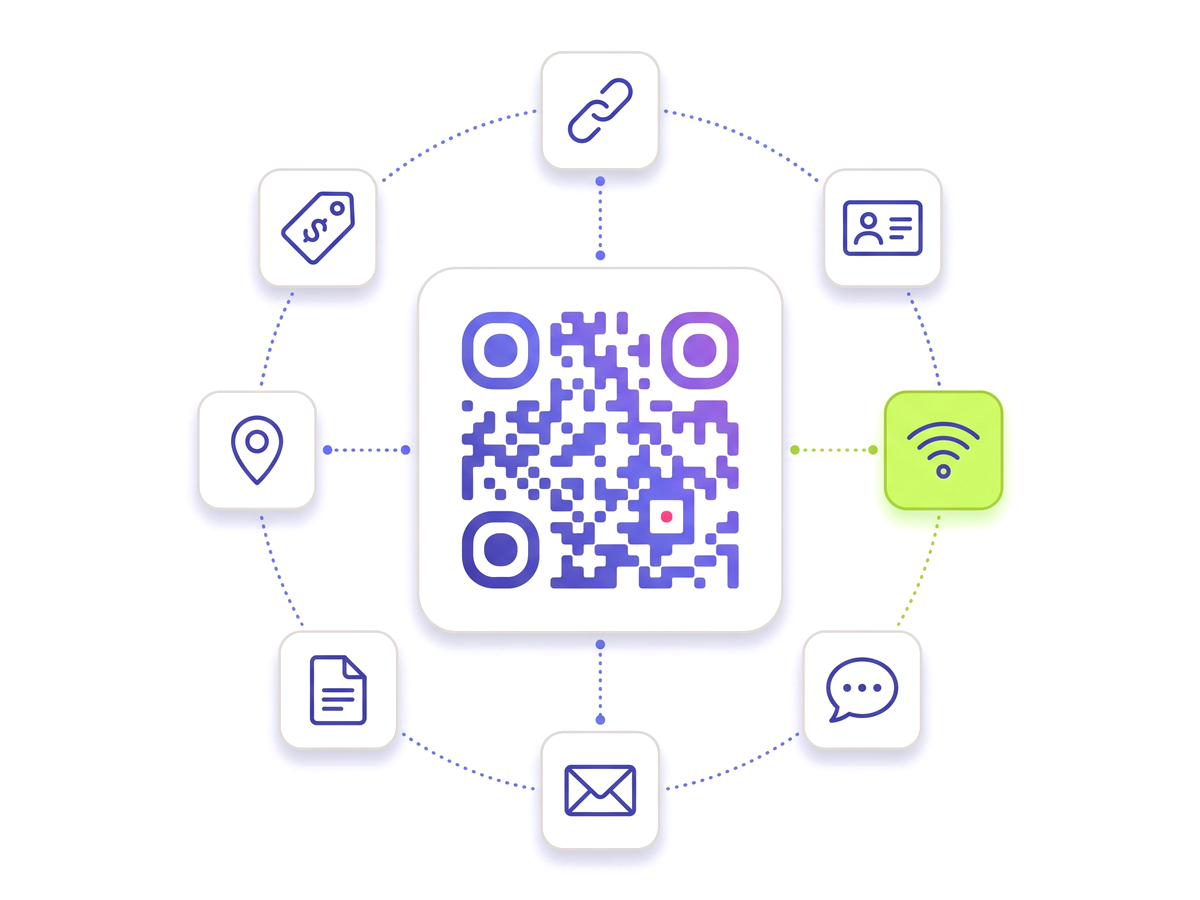
Add your logo to a QR code — Free A QR code ringed by tiles for the link, contact, Wi-Fi, chat, email, document, location and tag types.

Why a logo does not break the code

QR codes carry Reed–Solomon error correction: a portion of the pattern is redundant, so a scanner can rebuild squares it cannot see. That was designed for dirt, creases and bad printing on a factory floor, and a logo is just a very tidy version of the same problem.

There are four correction levels, and they set how much of the code can be lost:

LevelRecoverableTypical use
L — Low~7%Clean digital display, no logo
M — Medium~15%The usual default
Q — Quartile~25%Small logo, printed on card
H — High~30%Centred logo, packaging, outdoor

Add a logo here and the code moves to High, because that is the level with room to spare. The redundancy is not free — a higher level means more modules for the same content, so the pattern gets slightly denser — which is another argument for a short destination.

How big the logo can safely be

The honest number is smaller than most people expect. At High correction the code tolerates losing roughly 30% of its modules, but that budget is also paying for print quality, ink spread, a scuffed surface and a phone held at an angle in bad light. Spending all of it on artwork leaves nothing for the real world.

  • Aim for a logo covering about 15% of the code area — roughly a fifth of the width. That leaves half the correction budget for everything else.
  • Keep it centred. The three corner squares are finder patterns and the strips beside them carry the timing pattern; artwork over any of those is a dead code, not a damaged one.
  • Give it a solid plate. A logo dropped straight onto the modules produces half-dark squares. A white or brand-coloured rectangle behind it makes the loss clean and predictable.
  • Do not put a logo on a code that is already dense. A long URL with tracking parameters makes small modules; covering them costs proportionally more.

Test it the way a customer will

Every scan failure we hear about was invisible on screen. A code that reads perfectly at 400 pixels on a laptop can fail at 15mm on a matte label under a shop light.

The test that catches it takes five minutes: download the real file, print it at the exact final size on the actual stock, and scan the paper — not the screen — with an iPhone and an Android, at arm’s length, indoors. If either hesitates, shrink the logo or grow the code before the print run rather than after it.

If the code is going somewhere you cannot reprint cheaply — packaging, vehicle livery, an engraved sign — make it dynamic as well, so the one thing you will want to change later is the one thing that is not in the ink.

Everything you need

Built for reliability, designed for real-world use — here's what makes our QR Code With Logo stand out.

Your logo, centred

Drop in a PNG or SVG and size it. It sits on a knockout plate so it never half-covers a module and leaves a scanner guessing.

Error correction raised

Adding a logo pushes the code to a higher correction level automatically, so the squares it hides can be reconstructed.

A warning before you print

Grow the logo past what the correction level can absorb and you are told while you are designing, not after the run.

Brand colours too

Colour the modules, the corner eyes and the pupils separately so the code matches the logo rather than fighting it.

Vector download

SVG out, so the logo and the modules stay hard-edged from a business card to a billboard. No watermark on any plan.

Destination stays editable

It is still a dynamic code. Repoint it whenever you like — the logo and the pattern do not change.

QR Studio designer

Shape every part of the code: 18 pixel shapes, separate styles and colours for the three corner eyes, gradients, a transparent background and your logo in the centre. Pro and Teams.

Perfect for

From solo creators to marketing teams — here's where the QR Code With Logo makes the biggest impact.

Packaging Business cards Posters and signage Menus Trade show stands Product manuals

Up and running in minutes

No technical knowledge required. Here's exactly how to create your first QR Code With Logo.

1

Create a free account and add a QR code with your destination.

2

Open the designer and upload your logo as a PNG or SVG.

3

Size the logo — the warning panel tells you when it is getting too big.

4

Set the module and corner-eye colours to match your brand.

5

Download the SVG, print a proof at final size, and scan it with two different phones.

Questions people ask

Straight answers to what usually decides whether this is the right tool for the job.

Will a QR code with a logo still scan?
Yes, provided the logo sits in the centre and stays modest. Error correction lets a code lose roughly 30% of its modules at the High level and still decode, and a centred logo covering around 15% of the area sits comfortably inside that with margin left for print quality and poor light. What does not survive is artwork over the three corner squares — those are how a camera finds and orients the code in the first place.
How big can the logo be?
About a fifth of the code’s width, or roughly 15% of its area, is the size we would print without thinking twice. You can go further, and the designer will let you, but the warning that appears past that point is telling you that you are spending the error correction that was supposed to cover smudged ink and a bad camera angle.
Do I need a special file for the logo?
A PNG with a transparent background or an SVG. SVG is better for print because it stays sharp at any size, and it keeps the download a single vector file rather than a vector code with a fuzzy raster in the middle.
Can I add a logo to a code I have already printed?
The printed artwork cannot change — nothing can alter ink. Restyling the code changes the file you download from that point on, so new print runs carry the logo and old ones do not. What you can change on an already-printed code is where it points, because that lives on the server.
Is there a watermark on the download?
No. Downloads are clean SVG and PNG on every plan, including the free one, with no branding or attribution added to your code.

Ready to create your QR Code With Logo?

Free plan available forever. No credit card required. Get started in under 60 seconds.

Add your logo to a QR code — Free