Asking a client to register, choose a password and come back is how client reporting quietly stops happening. A portal is a long private link they bookmark.
Set up a client workspace
A client here is somebody you do the work for: a record on your account that codes, reports and a portal can be attached to. They never get a login, because every step between a client and their numbers is a step where the reporting stops.
Their portal is a long random link. They bookmark it, open it whenever they like, and see a read-only page scoped to their own codes. It carries no controls, exposes nothing else on your account, and asks for nothing.
Because the link is the credential, revoking it is the important operation, and it is one click: regenerate the link, or switch the portal off. Either makes the old URL a 404 that is indistinguishable from one that never existed.
The page is marked noindex so it stays out of search results, and viewing it never extends its life — opening a revoked link cannot bring it back.
A code can be in a folder and belong to a client at the same time, and that is on purpose. Folders are how one person tidies their own work; clients are who the work is for. Forcing them into one field means choosing between organising by campaign and organising by customer.
Deleting a client unassigns their codes rather than touching them. A code on a poster does not stop working because a relationship ended.
What the feature actually does, part by part.
Assign codes to the client they were made for, independently of the folders you use to organise your own work.
A long random URL your client bookmarks. No account, no password, nothing to remember.
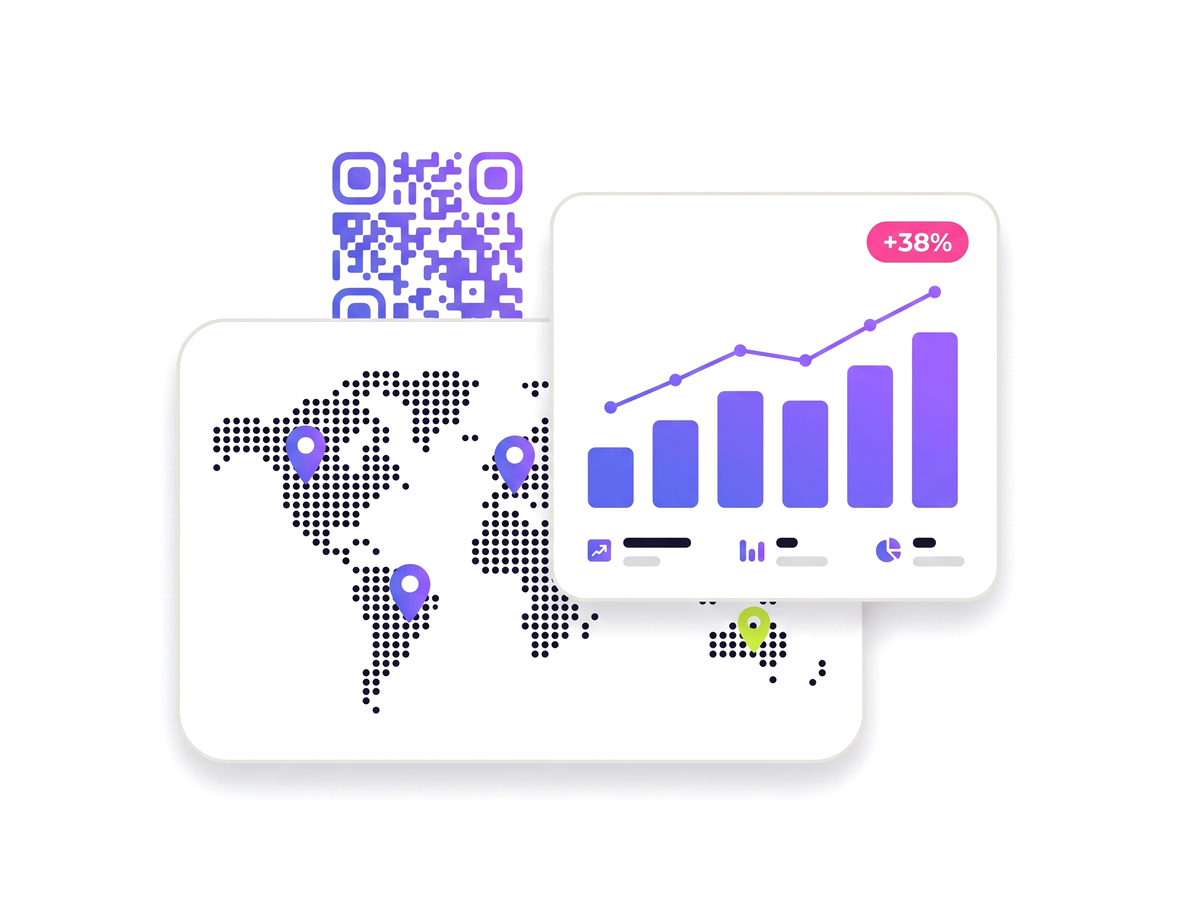
The portal shows that client’s codes and their scan performance. There are no controls and nothing else on your account is visible.
Regenerate the link or switch the portal off, and the old URL becomes a 404 immediately.
Scheduled email reports can be scoped to one client, so the right summary reaches the right inbox.
Portal pages are noindex, and opening one never extends the life of a link you have revoked.
Anyone who does QR work on behalf of somebody who wants to see how it did.
No technical knowledge required.
Add the client from the Clients page.
Assign their QR codes to them — individually, or in bulk from your dashboard.
Switch their portal on and copy the private link.
Send them the link. They bookmark it and check in whenever they want.
Taken from the live plan matrix, so this page and your account always agree.
See the full plan comparison for everything each tier includes.
Straight answers to what usually decides whether this is the right tool for the job.