Bulk QR Code Management

Act on a hundred codes as easily as on one

A campaign ends and forty codes need pausing. A client moves and their codes need a folder. Doing that one code at a time is how it stops getting done.

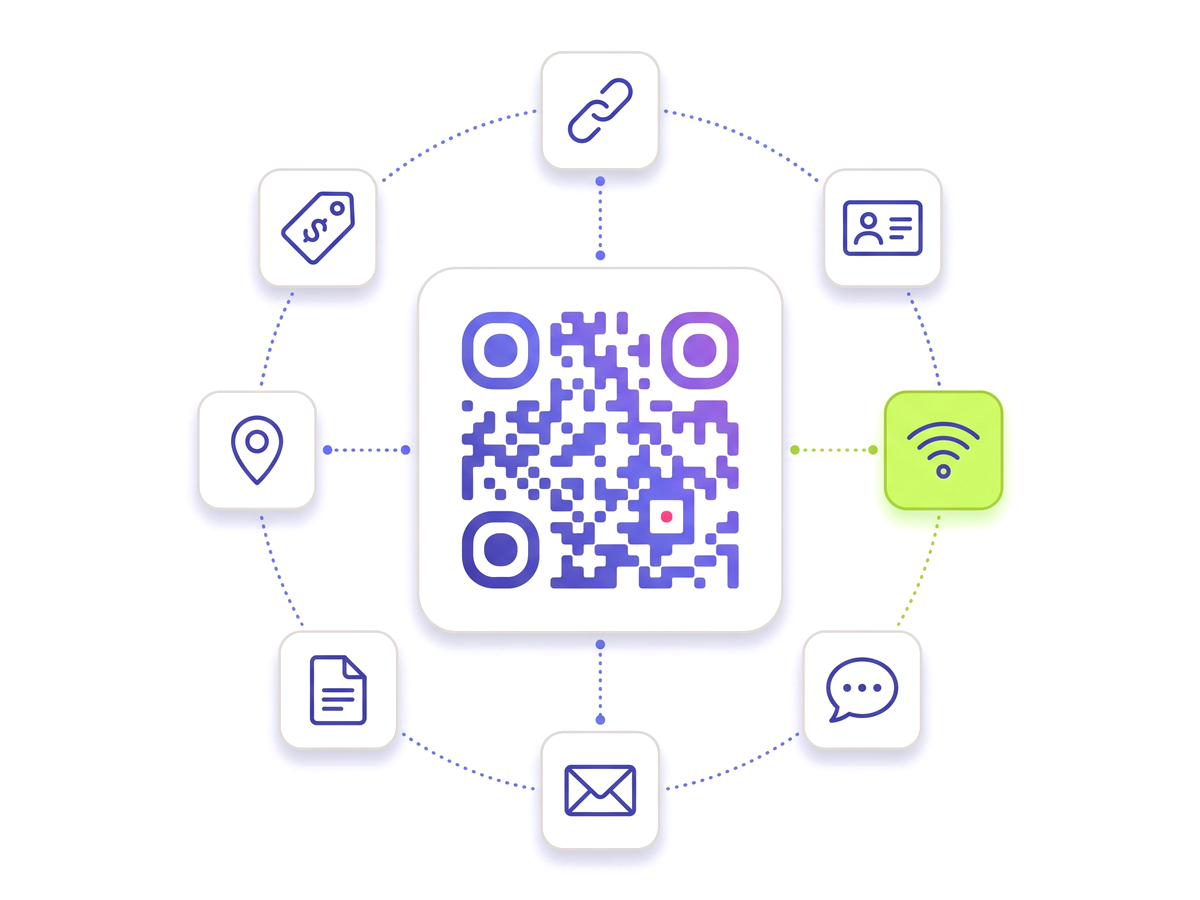
Get organised — free to start A QR code ringed by tiles for the link, contact, Wi-Fi, chat, email, document, location and tag types.

Selection is basic usability, not a paid extra

Multi-select, pause, activate, move and trash are ungated. A library that has grown past a screenful is not a premium problem — it is what success looks like on any plan, and charging for the ability to tidy it would be charging for the consequence of using the product.

Downloading a selection as an archive rides the existing export permission, because exports are the part customers already pay for.

Nothing a bulk action does can break a printed code

No bulk action writes anything a code encodes. Pausing, moving, restyling and trashing all change state around the code, never the pattern on the poster — so a mistake at scale is recoverable rather than catastrophic.

Selections are always resolved against your own account, so an identifier belonging to someone else is simply not found rather than acted on. Batches are capped — 500 codes per action, 200 per archive — which keeps one click from turning into a job that times out halfway through and leaves the library in a state nobody can describe.

The archive is built to survive real libraries

A ZIP is written to disk rather than assembled in memory, so a large export does not depend on how much headroom the server happens to have. Filenames are de-duplicated, because two codes may share a name but two files in one archive may not — and the failure mode there is silent: an archive that quietly contains fewer files than you selected.

A CSV manifest travels with the archive so the files can be matched back to the codes they came from.

What you can do to a selection

What the feature actually does, part by part.

Select many at once

Tick individual codes or select everything matching the current filter.

Pause and activate

Take a finished campaign offline in one action, and bring it back the same way.

Move to a folder

Reorganise a whole campaign or client into the right folder without opening each code.

Restyle in bulk

Apply a brand template to a selection, a folder, a client, or everything you own.

Download as a ZIP

Get the selection as SVGs with a CSV manifest, so files can be matched back to codes.

Safe at scale

Nothing a bulk action changes is encoded in the printed pattern, and batches are capped so one click cannot half-finish.

Built for

Anyone whose dashboard has stopped fitting on one screen.

Agencies Franchises Seasonal campaigns Event organisers Anyone past fifty codes

Work on a selection

No technical knowledge required.

1

Filter your dashboard down to the codes you care about.

2

Tick the ones you want, or select everything in the current view.

3

Choose an action from the bar that appears: pause, activate, move, restyle, trash or download.

4

Confirm. The action applies to the whole selection at once.

5

Trashed codes can be restored — nothing is destroyed in a single click.

Which plans include this

Taken from the live plan matrix, so this page and your account always agree.

Free
Included
Normal
Included
Pro
Included
Teams
Included

See the full plan comparison for everything each tier includes.

Questions people ask

Straight answers to what usually decides whether this is the right tool for the job.

Can a bulk action break codes that are already printed?
No bulk action changes what a code encodes. Pausing, moving, restyling and trashing all change state around the code. Pausing does take a code offline for scanners, which is the point of it, and un-pausing brings it straight back.
How many codes can I act on at once?
Up to 500 per action, and 200 per downloaded archive. The caps exist so a single click cannot start a job that times out halfway and leaves you unsure which codes were changed.
What is in the ZIP?
One SVG per selected code plus a CSV manifest listing them. Filenames are de-duplicated, because two codes are allowed to share a name and two files in an archive are not.
Do I need a paid plan?
Not for selecting, pausing, moving or trashing — those are on every plan. Downloading a selection as an archive rides the same permission as other exports, so that part needs a paid plan.
Can I bulk-edit codes that belong to my team?
A selection is always resolved against your own account, so an identifier from another account is not found rather than acted on. Team access follows the usual team rules.
Your code library, under control

Free plan available forever. No credit card required. Get started in under 60 seconds.

Get organised — free to start