Print-Ready QR Code PDFs

Artwork a printer can take without a designer in between

Exact millimetres, vector output, CMYK separation and the quiet zone the spec asks for — plus the design you built in QR Studio, printed as you drew it.

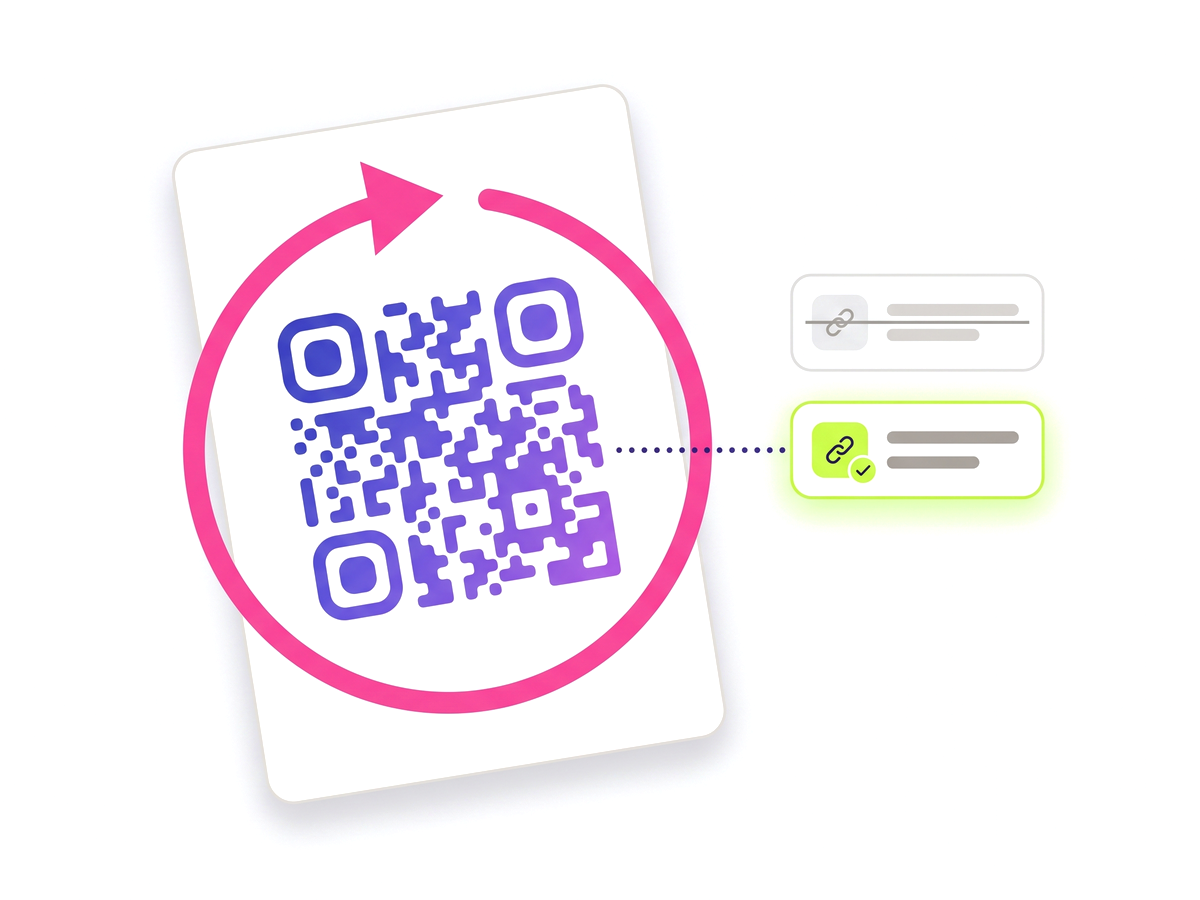
Download print-ready artwork An already-printed QR code being re-pointed from one destination to another.

Why a screenshot is not artwork

The usual route to print is a PNG dropped into a layout, scaled by eye. It produces three problems that only show up on paper. Raster edges soften when scaled, exactly where a scanner is looking for a hard boundary. RGB black converts to a four-colour "rich black" that needs perfect registration to look sharp, and a QR code that comes back slightly misregistered stops scanning. And a code sized by eye ends up with modules too fine for the press to hold.

Print-ready output answers all three: geometry is exact in millimetres, the output stays vector, and near-black is separated K-only so the code prints from one plate and cannot misregister against itself.

The physical maths, done for you

Two numbers decide whether a printed code works. The first is scan distance: a code is readable from roughly ten times its own width, so a code meant to be scanned from three metres needs to be about 30 cm across. The second is module size: below about 0.4 mm per module, ink spread closes the gaps and the code stops scanning whatever the artwork says.

Both are calculated for every size on offer, from the actual module count of your code, and you are warned before you download rather than after the run. The quiet zone is held at the four clear modules the specification asks for, whatever margin the on-screen design uses — screen tolerates a tight margin, paper does not.

Your design, not a substitute for it

The PDF prints the code you designed: module shapes, eye frame and pupil shapes, a colour per part, gradients and your centre logo, the same as the SVG download. It is drawn from the designer’s own geometry rather than described a second time, so the screen and the press cannot drift apart.

Artwork never prints the scan URL underneath. A link printed under a code is a second thing that has to stay true for as long as the poster exists. An optional caption can carry the code’s name instead, and it is off unless you ask for it.

What makes it print-ready

What the feature actually does, part by part.

Exact millimetres

A code asked for at 25 mm is 25 mm on the page, not whatever a browser rounded a CSS length to.

Vector, not raster

The printer can scale it without softening the module edges a scanner keys on.

CMYK with K-only black

Near-black is separated to the black plate alone, so the code cannot come back as misregistered rich black.

Bleed and crop marks

The background runs past the trim so a cut a fraction off still lands on ink, and the marks sit outside the artwork.

Size warnings before you print

Scan distance and minimum module width are calculated from your code’s real module count and flagged up front.

Label sheets

A4 and Letter layouts measured to real stationery — one code repeated, or a different code per label.

Built for

Anything that goes to a press, where a mistake costs a reprint rather than a refresh.

Posters and outdoor Packaging Table talkers and menus Product labels Exhibition stands Direct mail

From dashboard to press

No technical knowledge required.

1

Open a code and choose Print-ready artwork.

2

Pick a size — each one shows the distance it reads from and the module width it produces.

3

Read any warnings: too small to focus on, or modules finer than a press can hold.

4

Set bleed, crop marks and whether black should be separated K-only.

5

Download the PDF and send it straight to your printer.

Which plans include this

Taken from the live plan matrix, so this page and your account always agree.

Free
Not included
Normal
Not included
Pro
Included
Teams
Included

See the full plan comparison for everything each tier includes.

Questions people ask

Straight answers to what usually decides whether this is the right tool for the job.

How big should a printed QR code be?
About one tenth of the distance it is scanned from. A code read at arm’s length can be 2–3 cm; one on a wall read from three metres wants around 30 cm. The size picker works this out for your code and shows what each size means in the world, because a denser code needs more room than a sparse one at the same distance.
Why does the black look different in the PDF?
Near-black is written as K-only — the black plate alone, with nothing in cyan, magenta or yellow. Four-colour "rich" black looks deeper on screen but needs perfect registration on press, and a QR code that shifts even slightly against itself stops scanning.
Does the PDF include my QR Studio design?
Yes. Module shapes, eye frame and pupil shapes, the colour of each part, gradients and your centre logo all print as designed. Codes made before the designer existed print in the style they show on screen too.
Will the scan URL be printed under the code?
No. Artwork never prints the link. You can optionally add the code’s name as a caption, and that is off by default.
Which plans include print-ready output?
Every paid plan — Normal, Pro and Teams.
Send it to the press with confidence

Free plan available forever. No credit card required. Get started in under 60 seconds.

Download print-ready artwork