Coupon QR Code Generator
Coupon QR Codes That Can Only Be Used Once
A discount printed as a plain code is a discount anyone can photograph and share. A coupon code is redeemed, counted, and finished.
Create a coupon QR code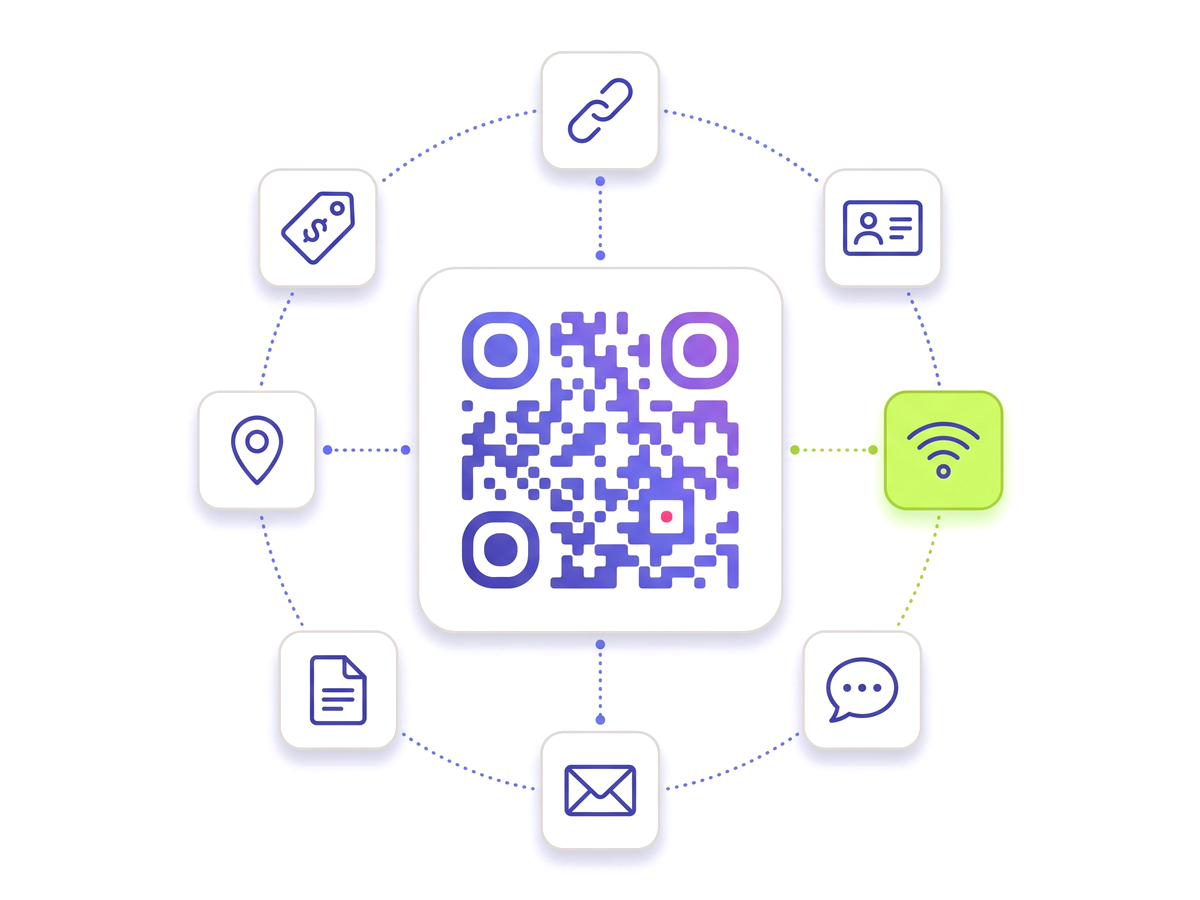
A discount printed as a plain code is a discount anyone can photograph and share. A coupon code is redeemed, counted, and finished.
Create a coupon QR code
Put a plain QR code on a flyer that leads to "20% off with code SPRING20" and you have not published an offer, you have published a coupon to the internet. One customer photographs it, posts it to a deals forum, and the promotion you budgeted for a thousand households runs for anyone who searches.
The difference here is that redemption is a state on the server rather than a number in the ink. The code encodes a redirect; the redirect checks whether this coupon has been used; the till marks it used. A screenshot forwarded to a friend arrives at a coupon that has already been spent.
There are two shapes to this, and they answer different questions.
A coupon code is one offer with a redemption limit. It suits a poster, a table tent or a flyer drop, where the constraint you care about is "not more than 200 of these" rather than "one each".
A pass is one admission issued to one person — a voucher emailed to a customer, a ticket, a punch card with a number of visits on it. Each holder gets their own code, and each is redeemed independently. The check and the increment happen inside a single locked transaction, so two doors scanning the same voucher in the same second cannot both let it through.
Either way, every attempt is written down, refusals included. "The till said it was already used" is a conversation someone has to have at the counter, and it goes better when there is a record of when and where it was first redeemed.
The useful side effect of a dynamic coupon is that the artwork can go to the printer before the offer is settled. The code is fixed; the discount behind it is not.
That means a run of flyers can carry a launch offer in week one and a different one in week three without a second print bill, and a promotion that is obviously not working can be replaced on Tuesday morning rather than run to its end out of sunk-cost politeness. Keep the printed wording general enough to survive the change — "scan for this month’s offer" rather than a number in the ink — and the flexibility is real rather than theoretical.
Built for reliability, designed for real-world use — here's what makes our Coupon QR Code Generator stand out.
Staff mark the coupon used at the till. A second scan reports it as already redeemed rather than honouring it again.
Set an expiry and the offer stops on the date, without anyone having to take the poster down.
Every attempt is recorded, refusals included, so a dispute at the counter has an answer afterwards.
Give each customer their own pass so the offer is per person rather than per poster.
Lock a code so only someone who was told the word can open the discount behind it.
Ten per cent underperforming? Point the same printed code at a better offer tomorrow.
Shape every part of the code: 18 pixel shapes, separate styles and colours for the three corner eyes, gradients, a transparent background and your logo in the centre. Pro and Teams.
From solo creators to marketing teams — here's where the Coupon QR Code Generator makes the biggest impact.
No technical knowledge required. Here's exactly how to create your first Coupon QR Code Generator.
Create an account and choose the coupon QR code type.
Write the offer, the terms, and how many times it can be redeemed.
Set an expiry date if the promotion has an end.
Download the artwork and print it on the flyer, insert or card.
Staff scan to redeem at the counter; the dashboard shows what was claimed and when.
Straight answers to what usually decides whether this is the right tool for the job.
In-depth articles that explain the ideas behind this page.
Start from the overview: QR Codes for Marketing Campaigns