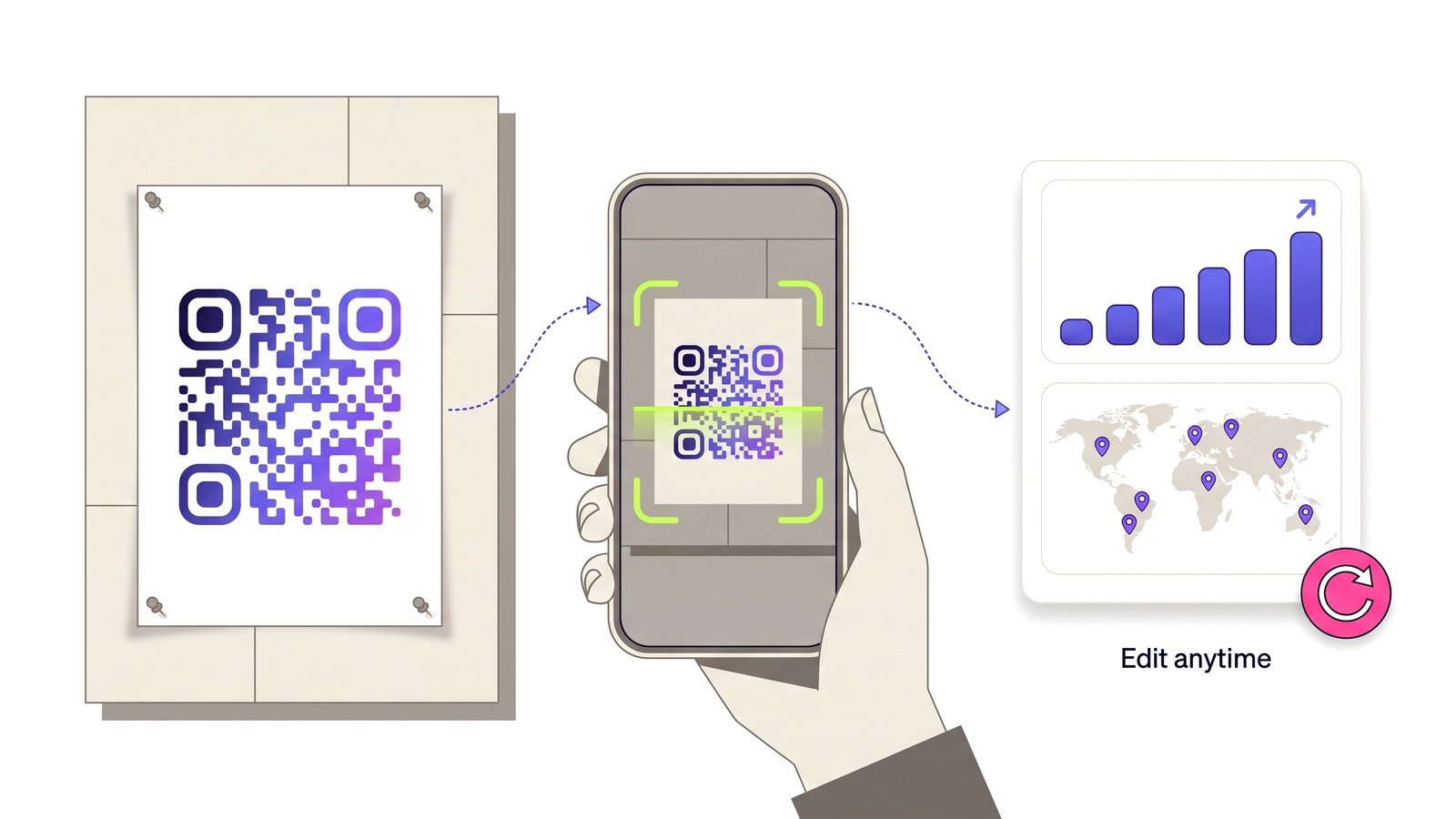
A code can answer to /summer-menu instead of a long identifier — so the same campaign works on a poster, in a caption and read out loud on the radio.
Claim your first short link
Not everyone scans. Someone reading a poster from a bus, listening to a radio spot, or looking at a photo of your flyer on a phone with a dirty lens needs a link they can type. A long random identifier is unusable for that; a short, memorable one is the difference between a lost visit and a completed one.
A custom slug gives the same destination two front doors. The QR code and the typed link resolve through exactly the same lookup, so the scan analytics, the routing rules, the password and the expiry all behave identically whichever way somebody arrives.
Slugs are editable. When you change one, the code keeps working — the QR pattern encodes its own permanent address, not the slug — and the old slug stops resolving so it cannot be picked up by somebody else and pointed somewhere you did not intend.
If your plan later changes, a slug you already printed is preserved rather than removed. Taking away an address that is on physical material would break something in the world, which is not a reasonable consequence of a billing change.
What the feature actually does, part by part.
Choose the words after the slash. Availability is checked as you type, with a clear reason when a name cannot be used.
The scan and the typed link resolve through one lookup, so analytics, routing, password and expiry behave the same either way.
Rename a slug at any time. Printed codes keep working, and the old address stops resolving rather than lingering.
The reserved list is derived from the site’s own routes, so a slug can never shadow a real page — including pages added later.
Print it, say it, put it in a caption or an email footer. One address carries the campaign across channels.
A slug already in the wild is preserved if the plan changes, because unprinting a poster is not an option.
Anywhere the link is read by a human rather than a camera.
No technical knowledge required.
Open any QR code from your dashboard.
Type the address you want in the custom link field.
Availability is checked as you type — pick another if it is taken or reserved.
Save. The code and the typed link now both resolve to the same destination.
Taken from the live plan matrix, so this page and your account always agree.
See the full plan comparison for everything each tier includes.
Straight answers to what usually decides whether this is the right tool for the job.