Link Page QR Code
Link Page QR Code
One QR code. All your links. Update them anytime — no reprint, no hassle.
Create your Link Page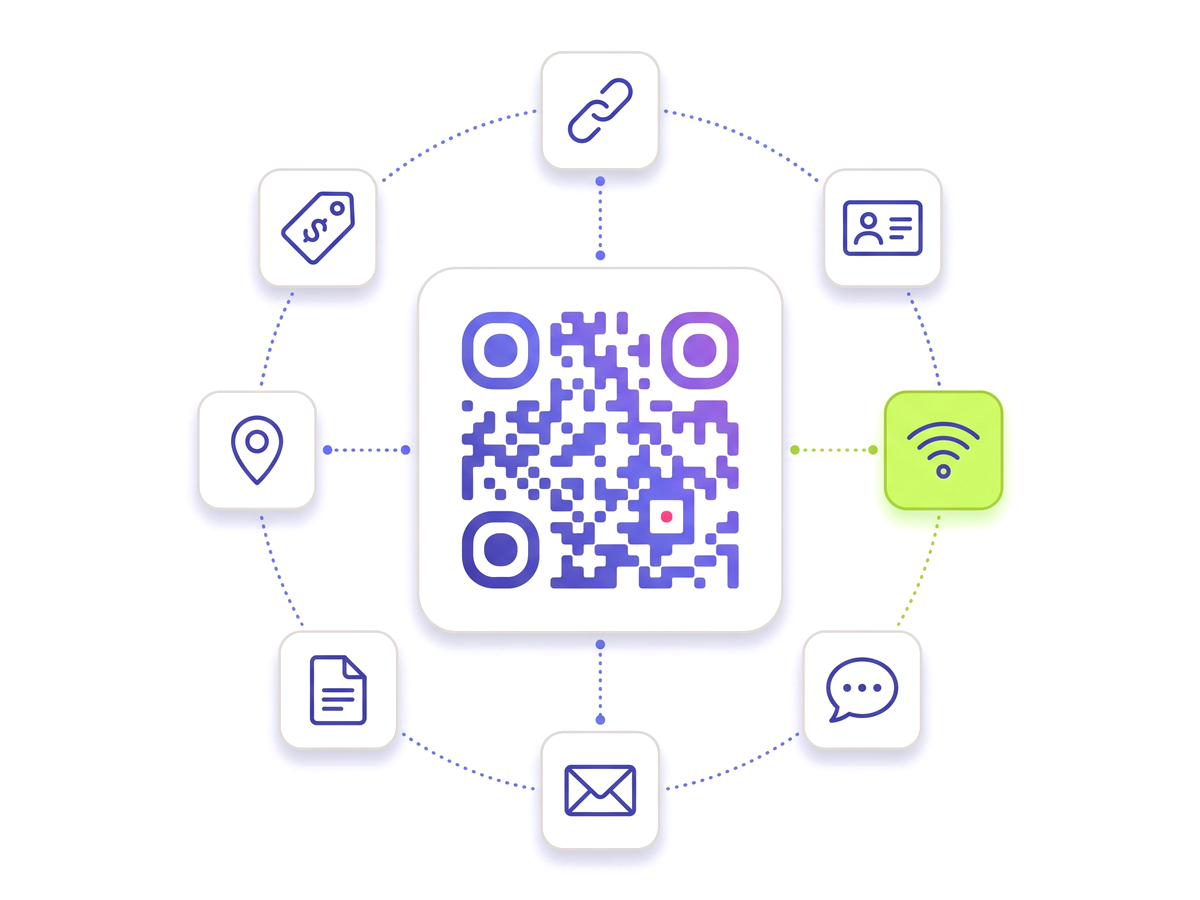
One QR code. All your links. Update them anytime — no reprint, no hassle.
Create your Link Page
Built for reliability, designed for real-world use — here's what makes our Link Page QR Code stand out.
Add as many links as you need — social profiles, websites, videos, documents.
Add, remove, or reorder links from the dashboard. The QR code never changes.
The link page is fully responsive and loads lightning fast on any device.
See which links get the most clicks and from which locations.
Set a custom profile photo, bio, and colour theme for your link page.
Download the QR as a clean SVG without watermarks.
Shape every part of the code: 18 pixel shapes, separate styles and colours for the three corner eyes, gradients, a transparent background and your logo in the centre. Pro and Teams.
From solo creators to marketing teams — here's where the Link Page QR Code makes the biggest impact.
No technical knowledge required. Here's exactly how to create your first Link Page QR Code.
Create an account — link pages come with the Normal plan.
Go to Link Pages and click "New Link Page".
Add your links, profile photo, and bio.
Download the QR code or copy your page URL.
Update links anytime — the QR code never changes.
Straight answers to what usually decides whether this is the right tool for the job.
In-depth articles that explain the ideas behind this page.
Start from the overview: Digital Business Card QR Code Generator