Email QR Code Generator

Email QR Codes: A Pre-Written Message, One Scan Away

Scanning opens a new email addressed to you, with the subject line and the first lines already filled in — so the enquiry arrives sorted.

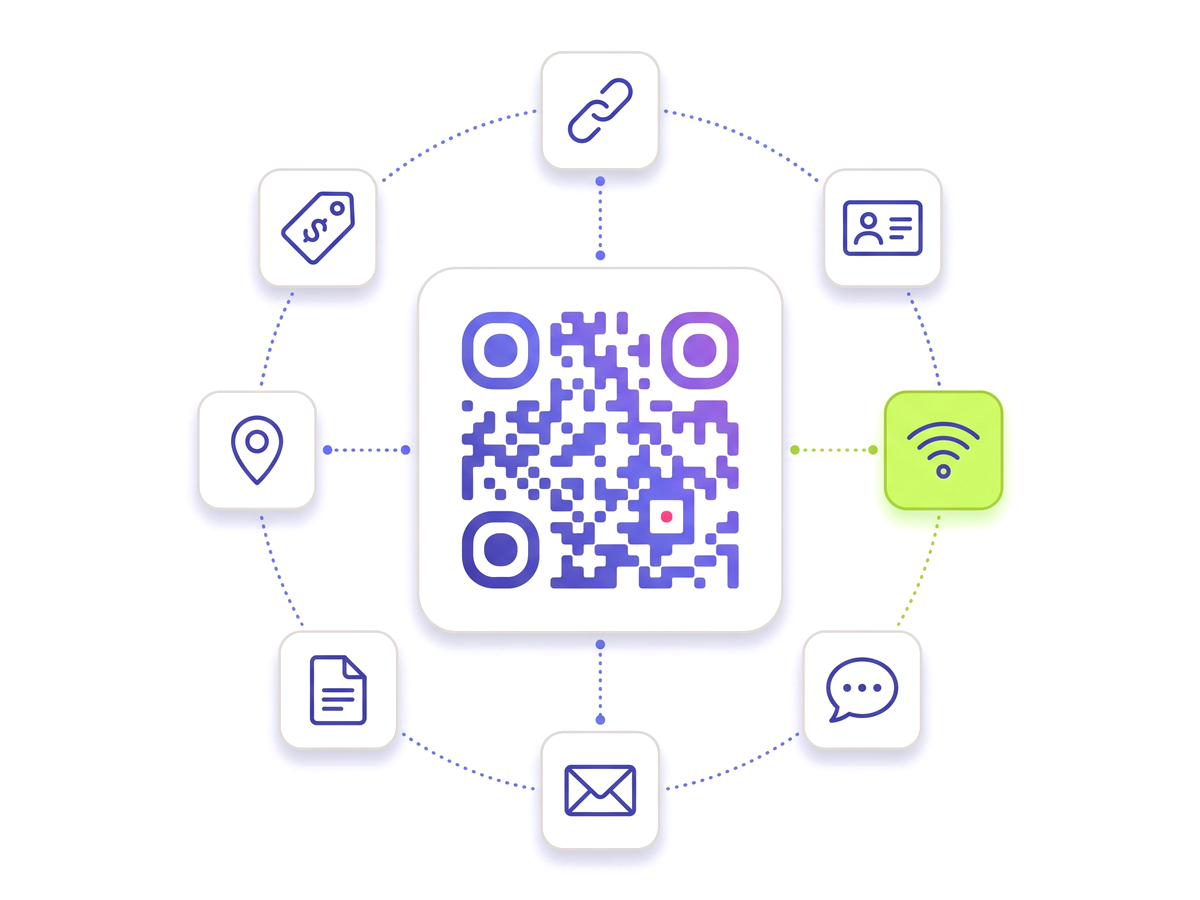
Create an email QR code — Free A QR code ringed by tiles for the link, contact, Wi-Fi, chat, email, document, location and tag types.

What actually happens on a scan

The scan opens the phone’s mail app on a new draft, addressed to you, with whatever subject and body you set already typed in. Nothing is sent — the person still writes their bit and presses send, which is the right behaviour: a code that fires off a message on scan would be a code nobody would risk pointing a camera at.

The prefilled subject is the part that earns its place. An enquiry arriving as "Website enquiry — poster at the north entrance" sorts itself, tells you which print run produced it, and saves the recipient from opening a message titled nothing at all.

Static mailto codes and why we do not use them

A QR code can encode a mailto: address directly, and plenty of free generators do exactly that. Two things follow from it, and both are worse than they sound.

The first is that the address is now printed, in machine-readable form, on every poster and every leaflet. Scraping QR codes for addresses is not a sophisticated attack, and a mailbox published this way collects the traffic you would expect.

The second is that it is permanent. The address is in the ink. When support moves from one mailbox to another — which happens roughly as often as staff change — every printed code is pointing at somewhere nobody reads.

A dynamic code holds the address on the server and hands it to the phone at scan time, so it can be changed, and it is not sitting in the artwork waiting to be harvested.

Everything you need

Built for reliability, designed for real-world use — here's what makes our Email QR Code Generator stand out.

Subject and body prefilled

Write the subject and opening text yourself, so enquiries arrive already labelled and filterable.

Change the address later

Support moves to a new mailbox and the printed code follows. Nothing is reprinted.

Route by placement

A different subject line per printed location tells you where the enquiry came from without asking.

Scan analytics

See how many people scanned, when, and roughly where — separately from how many actually sent.

Branded design

Colour it, add your logo, and download vector artwork with no watermark.

No address harvesting

A dynamic code does not print your address in machine-readable form on every poster you put up.

QR Studio designer

Shape every part of the code: 18 pixel shapes, separate styles and colours for the three corner eyes, gradients, a transparent background and your logo in the centre. Pro and Teams.

Perfect for

From solo creators to marketing teams — here's where the Email QR Code Generator makes the biggest impact.

Support desks Property signage Trade show stands Invoices Warranty cards Recruitment posters

Up and running in minutes

No technical knowledge required. Here's exactly how to create your first Email QR Code Generator.

1

Create a free account and choose the email QR code type.

2

Enter the address the message should go to.

3

Write a subject line and, if you want, the opening lines of the message.

4

Brand the code and download it as SVG or PNG.

5

Print it, and change the address or the subject later from your dashboard.

Questions people ask

Straight answers to what usually decides whether this is the right tool for the job.

Does scanning an email QR code send the message automatically?
No, and it should not. The scan opens a new draft addressed to you with the subject and any body text already filled in; the person writes the rest and presses send themselves. Anything that sent on scan would be a code people learn not to point a camera at.
Can I prefill the subject line and the message?
Yes, both. The subject is the more useful of the two — an enquiry that arrives already labelled with which poster produced it sorts itself, and saves you asking "where did you see us?" in the reply.
Can I change the email address after printing?
Yes. The address is stored against the code rather than encoded into the pattern, so moving support to a different mailbox is an edit rather than a reprint. That is the main advantage over a plain mailto: code, where the address is permanently in the ink.
Which mail app does it open?
Whichever one the phone is set to use — Mail on an iPhone, Gmail or the device default on Android. The code hands over a standard mail link, so the phone makes its own choice the same way it does for an email link on a web page.
Should I use email or WhatsApp for customer enquiries?
Email if the reply needs a record, an attachment, or a person who is not on shift right now; WhatsApp if the question is short and the answer is wanted immediately. Plenty of businesses print both and let the customer choose, which also tells you something about your customers after a month of scan counts.
Ready to create your Email QR Code Generator?

Free plan available forever. No credit card required. Get started in under 60 seconds.

Create an email QR code — Free