SMS QR Code Generator

SMS QR Codes: A Text Message, Already Written

Scanning opens the phone’s messaging app on a new text to your number, with the wording filled in. No app to install, and no internet needed to send it.

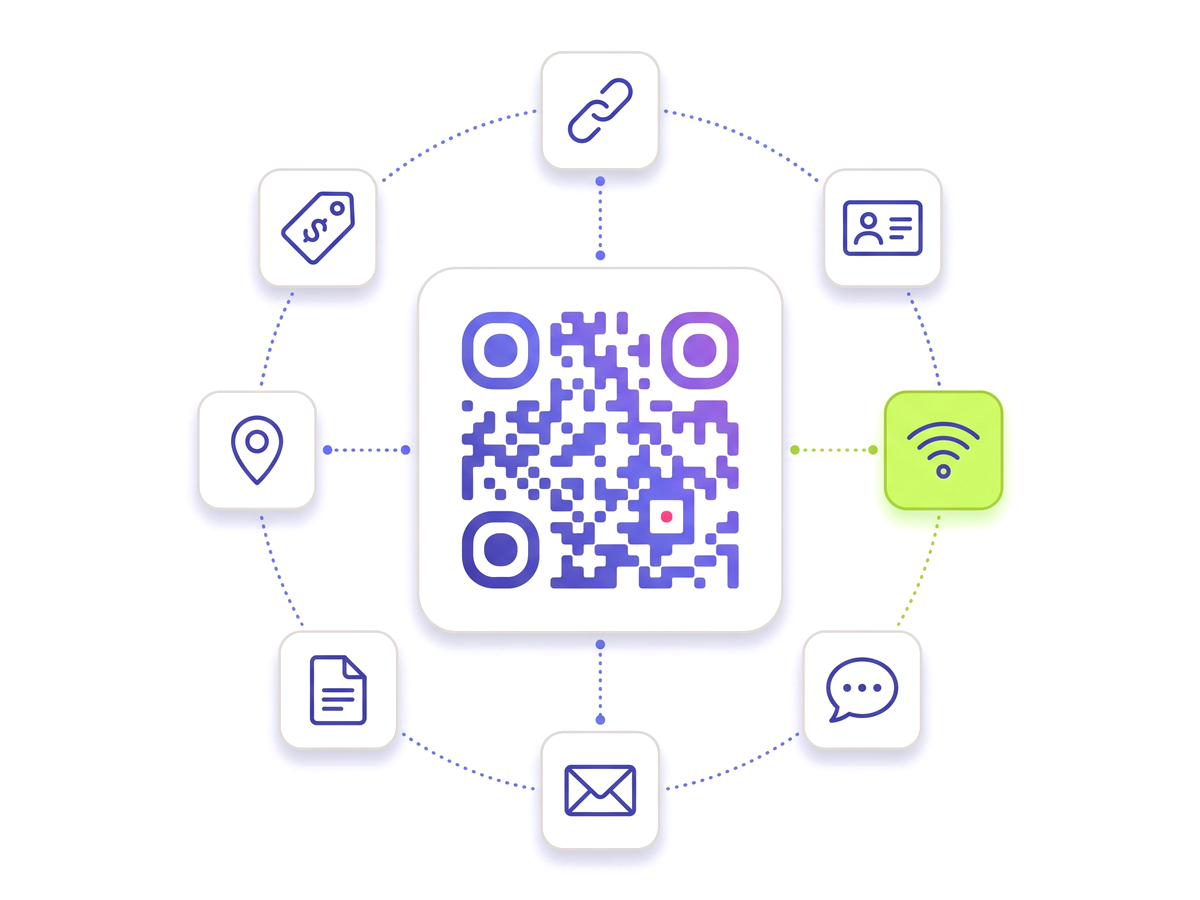
Create an SMS QR code — Free A QR code ringed by tiles for the link, contact, Wi-Fi, chat, email, document, location and tag types.

Where SMS beats a link

Most QR codes assume the person scanning has working data. In a car park, a basement, a rural field or a stadium concourse, that assumption fails quietly — the code scans, the browser opens, and the page never loads.

A text message only needs mobile signal, which reaches into places data does not. That makes SMS the reliable choice for the places where a QR code is most useful and a website is least: parking payment signs, machinery in a plant room, an estate agent’s board on a rural lane, a fault-reporting sticker on a lift.

It is also the lowest-friction thing you can ask of a stranger. No app, no account, no cookie banner — a draft message in an app they already use, and one thumb press.

Getting the number and the wording right

Write the number in full international format — a leading plus, then the country code, then the number with no spaces or brackets. A national-format number works for people standing in that country and fails for everyone else, which is a bad way to find out where your visitors come from.

For the message itself, prefill something you can act on rather than something polite. A keyword and a reference beats "Hello" every time: BAY 42 on a parking sign, LIFT 3 FAULT on a maintenance sticker, TABLE 9 on a table card. The person adds their sentence, and the message arrives already sorted into what it is about and where it came from.

Everything you need

Built for reliability, designed for real-world use — here's what makes our SMS QR Code Generator stand out.

Message prefilled

Set the wording — a keyword, an order reference, a table number — so the reply arrives with context.

Works without data

Once the code is scanned, sending a text needs signal but not internet. Useful in basements and car parks.

Change the number later

The number lives on the server, so a new line or a new provider does not mean new signage.

No account required

Nobody needs an app, a login or a profile. Every phone sold has a messaging app on it.

Scan analytics

Counts per placement, with bots filtered out, so you can compare one sign against another.

Branded artwork

Your colours and logo, downloaded as clean vector with no watermark.

QR Studio designer

Shape every part of the code: 18 pixel shapes, separate styles and colours for the three corner eyes, gradients, a transparent background and your logo in the centre. Pro and Teams.
Perfect for

From solo creators to marketing teams — here's where the SMS QR Code Generator makes the biggest impact.

Parking and payment signs Estate agent boards Vending machines Service call-outs Voting and polls Appointment reminders

Up and running in minutes

No technical knowledge required. Here's exactly how to create your first SMS QR Code Generator.

1

Create a free account and choose the SMS QR code type.

2

Enter the number in full international format, starting with the country code.

3

Write the message you want already typed into the draft.

4

Download the artwork and put it where phone signal is better than Wi-Fi.

5

Change the number or the wording later without touching the print.

Questions people ask

Straight answers to what usually decides whether this is the right tool for the job.

What happens when someone scans an SMS QR code?
Their phone opens its messaging app on a new text to your number, with your wording already in the box. They add anything they want and press send. Nothing is sent by the scan itself.
Do they need an internet connection?
To send the text, no — only mobile signal. That is what makes SMS codes worth using in car parks, basements, plant rooms and rural sites, where a code pointing at a web page scans fine and then fails to load.
How should I write the phone number?
In full international format: a plus sign, the country code, then the number with no spaces or punctuation. A number written in national format works only for people already in that country.
Can I change the number after printing?
Yes. The number is held against the code rather than baked into the pattern, so changing lines or providers is an edit in the dashboard rather than a new set of signs.
Are there charges for the person sending the text?
A text to a normal mobile number costs whatever their plan charges for a text, which is usually nothing. Avoid short codes and premium-rate numbers for anything a member of the public is invited to scan — a charge nobody expected is worse than no message at all.

Ready to create your SMS QR Code Generator?

Free plan available forever. No credit card required. Get started in under 60 seconds.

Create an SMS QR code — Free